PHP / MySQL
Stock management system
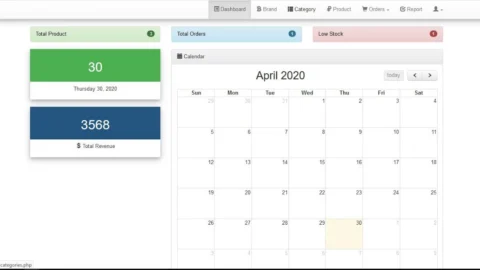
Add and update items, track stock levels, and record goods moving in and out. Includes database and local setup instructions.
View project: Stock management systemSource code, tutorials, and project ideas
Find a system to study, follow a tutorial, or try a small programming exercise. Explore PHP, Python, JavaScript, and mobile projects at your own pace.
For students, beginners, and developers working through an idea.
Find your starting point
Choose an example, a full system,
or a plan for your first project.
Follow a focused example with code, instructions, and an expected result.
Explore tutorials ↗Look through an existing system, its screenshots, database, and setup notes.
Browse source code ↗Choose one useful workflow and build a version small enough to understand.
Read the getting started guide ↗Inside the project library
Start with the screenshots and feature list. Each listing has its own requirements and download information.
Add and update items, track stock levels, and record goods moving in and out. Includes database and local setup instructions.
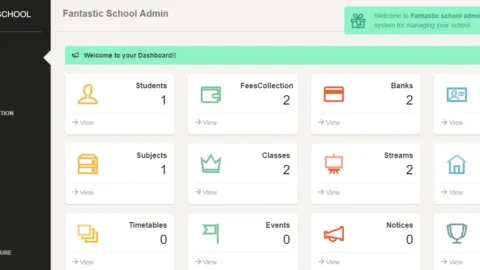
View project: Stock management systemStudent records, fee collection, class attendance, timetables, and exam results in one PHP/MySQL project.
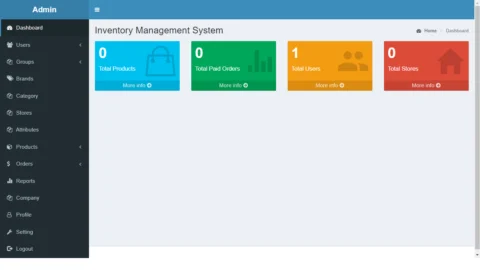
View project: School management systemA PHP/MySQL inventory project with products, orders, user groups, stores, and reports. See the screenshots and setup notes.
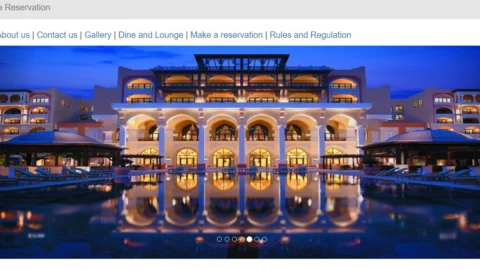
View project: Inventory management systemExplore room records, customer bookings, reservation approvals, and check-in and check-out screens.
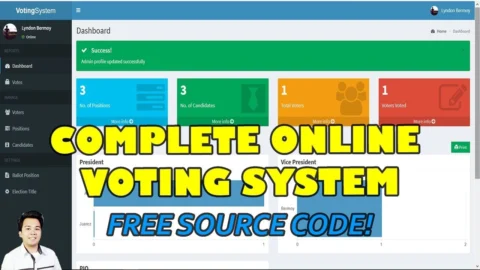
View project: Hotel reservation systemStudy voter and candidate records, ballot previews, result charts, and printable voting reports.
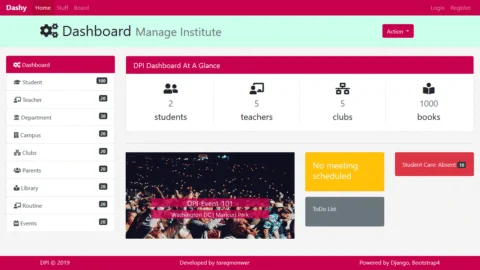
View project: Voting management systemBrowse student, teacher, department, library, and class-scheduling features in a Django project.
View project: School management with DjangoThese are learning references from the existing library. Read each project's license and setup notes before using its code.
Start small and run the code
These guides include complete example files, steps to run them, and checks for common failures.
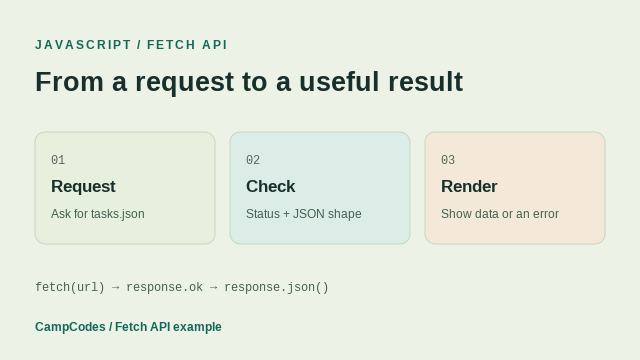
Build a task list with a loading message, response checks, and useful error feedback.
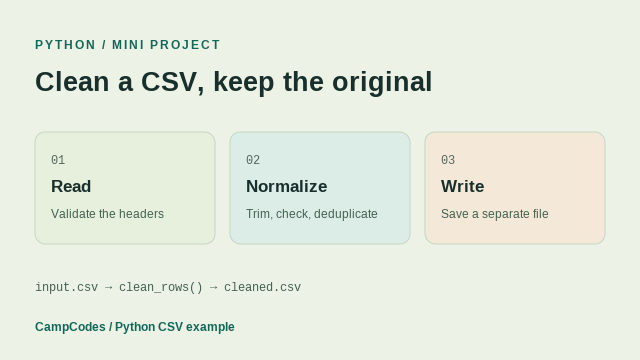
View tutorial: Load JSON with the Fetch APIValidate contact records, remove duplicates, and save a clean copy without replacing the original.
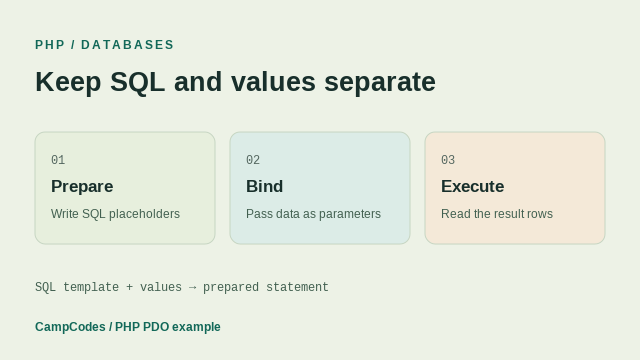
View tutorial: Clean a CSV file with PythonUse prepared database statements to add, list, and search tasks in a small command-line program.
View tutorial: Save tasks with PHP and SQLiteBrowse the collection
Web systems, desktop applications,
and mobile apps.
Inventory, booking, school, and other database-backed web systems.
Browse projects →Desktop tools, games, and projects built with Python frameworks.
Browse projects →Explore the Laravel projects listed in the web-development library.
Browse projects →Windows desktop applications and database project examples.
Browse projects →Desktop systems with forms, records, and reports.
Browse projects →Smaller project ideas for practicing a particular feature.
Browse projects →Native Android examples, interface code, and application projects.
Browse projects →Flutter interfaces and mobile application examples.
Browse projects →On a smaller screen
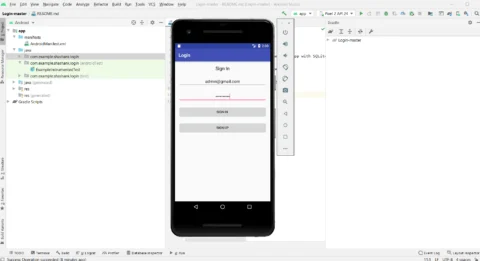
Read the interface layouts and local database example. Review the account logic before adapting it.
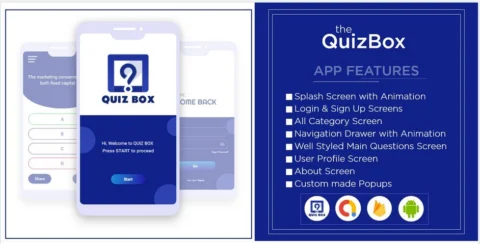
View project: Android login and registrationExplore quiz categories, multiple-choice questions, answer review, and the included setup instructions.
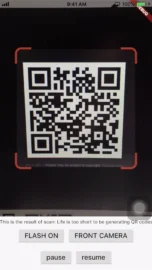
View project: Android quiz applicationFollow the camera-view integration and see how a scanned value is displayed in the interface.
View project: QR code scanner with FlutterSome mobile projects use older SDKs and packages. Check the documented versions before opening a project in your current tools.
From download to a local test
Start with one feature. Trace what happens when a user opens a page, submits a form, or saves a record.
Read the setup guide ↗Before you download
Try one of the three practical guides above. Each gives you a small task, complete files, and an expected result. The getting started guide can help you choose.
Check the runtime and dependency versions first. Then compare your error with the installation steps. Use the setup checklist to work through the environment, database, and configuration.
Check your institution's rules and the project's license. Credit the original work and clearly identify your own changes. Be ready to explain the code you submit.
That depends on the project's license. Read the license included with the files. If permissions are unclear, ask the rights holder before redistributing the project or using it commercially.
About CampCodes
Browse a project, follow the code, and use what you learn in your own work.